

Xenvio Access (Shipper View)
To start using Xenvio, you need to authenticate with your credentials and access the Shipper View module, where you’ll manage all your shipments.
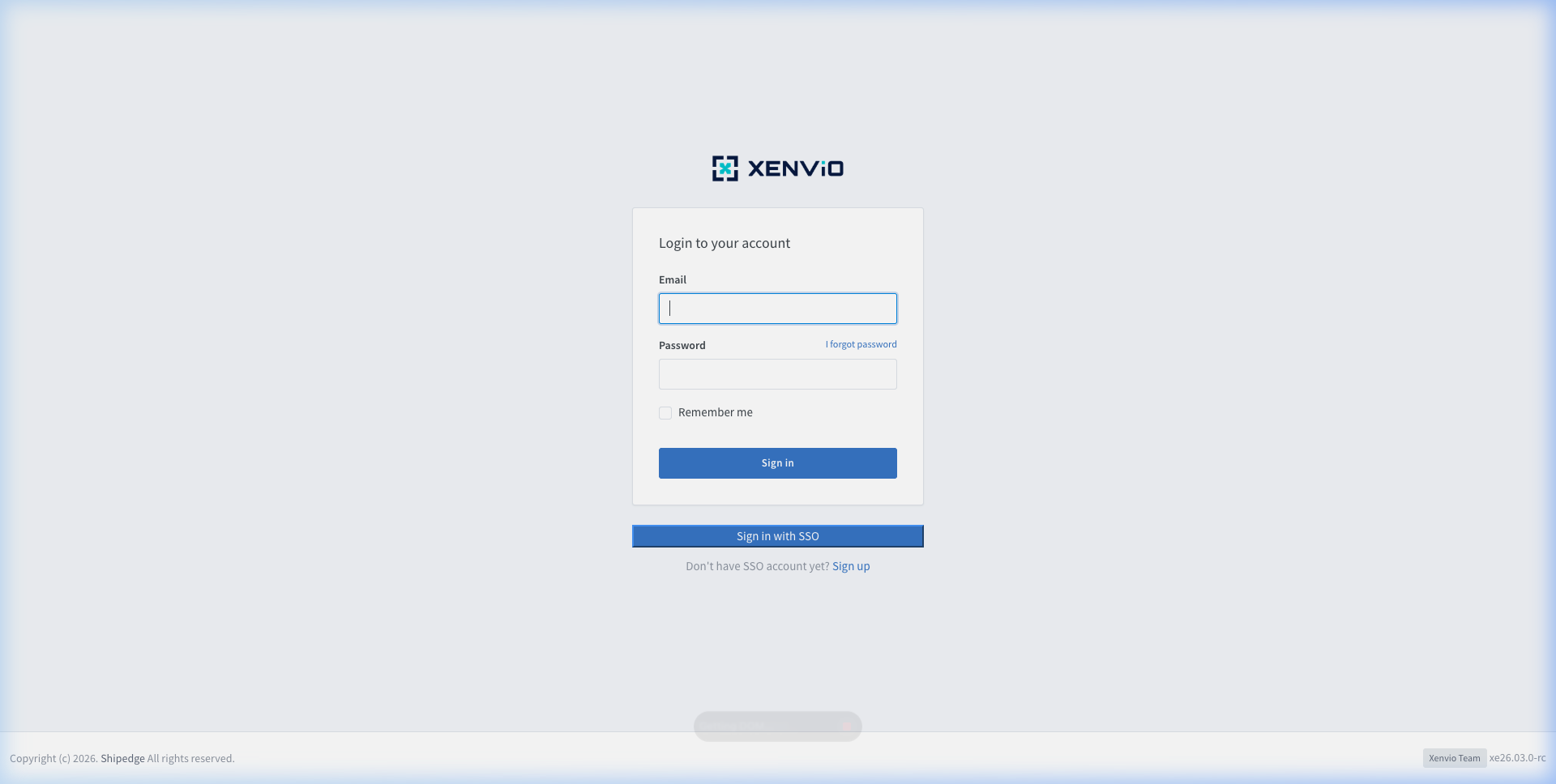
Enter your email and password to authenticate on the platform.
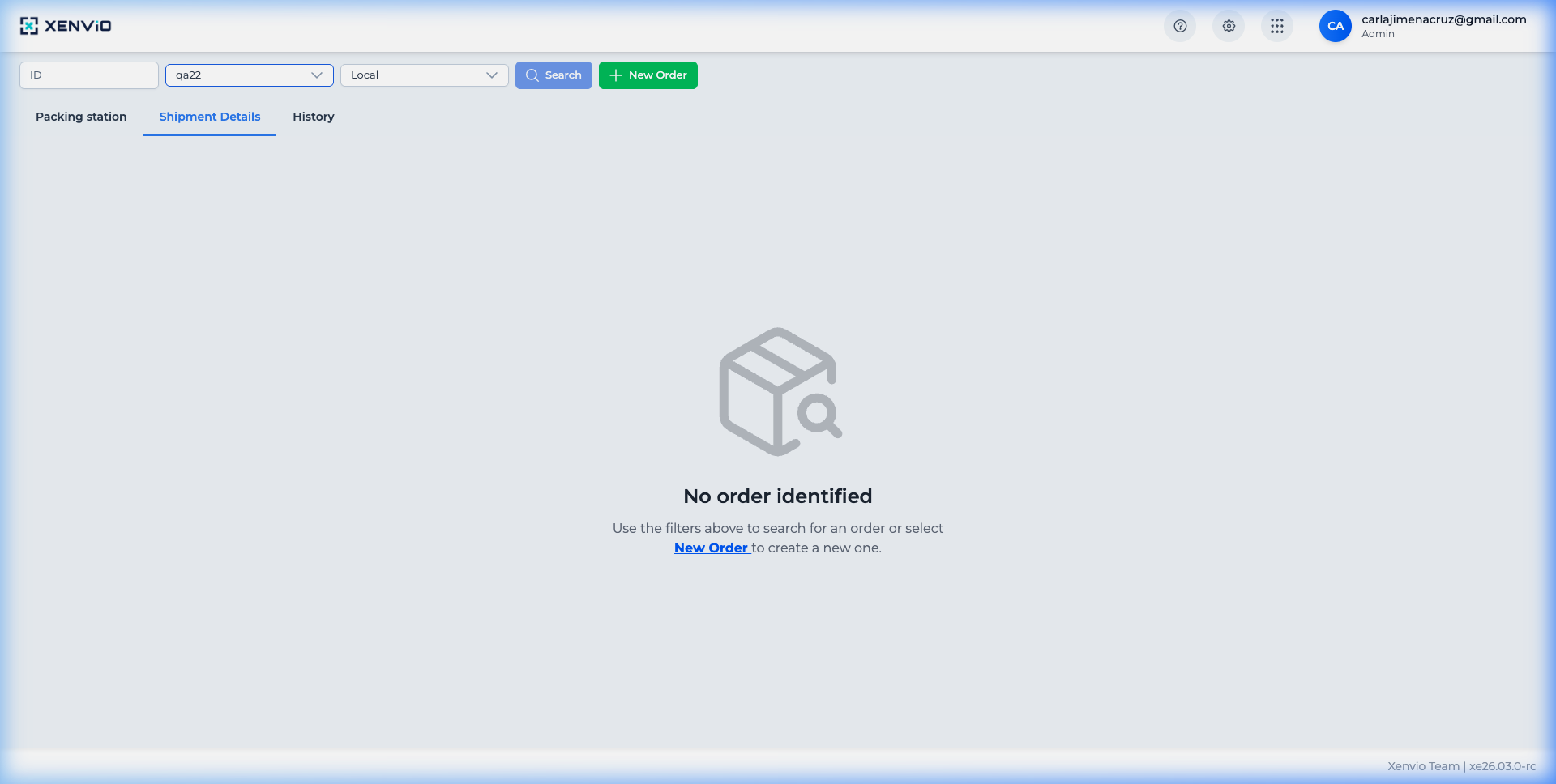
After login, you access the Shipper View with the shipment list and action panel.
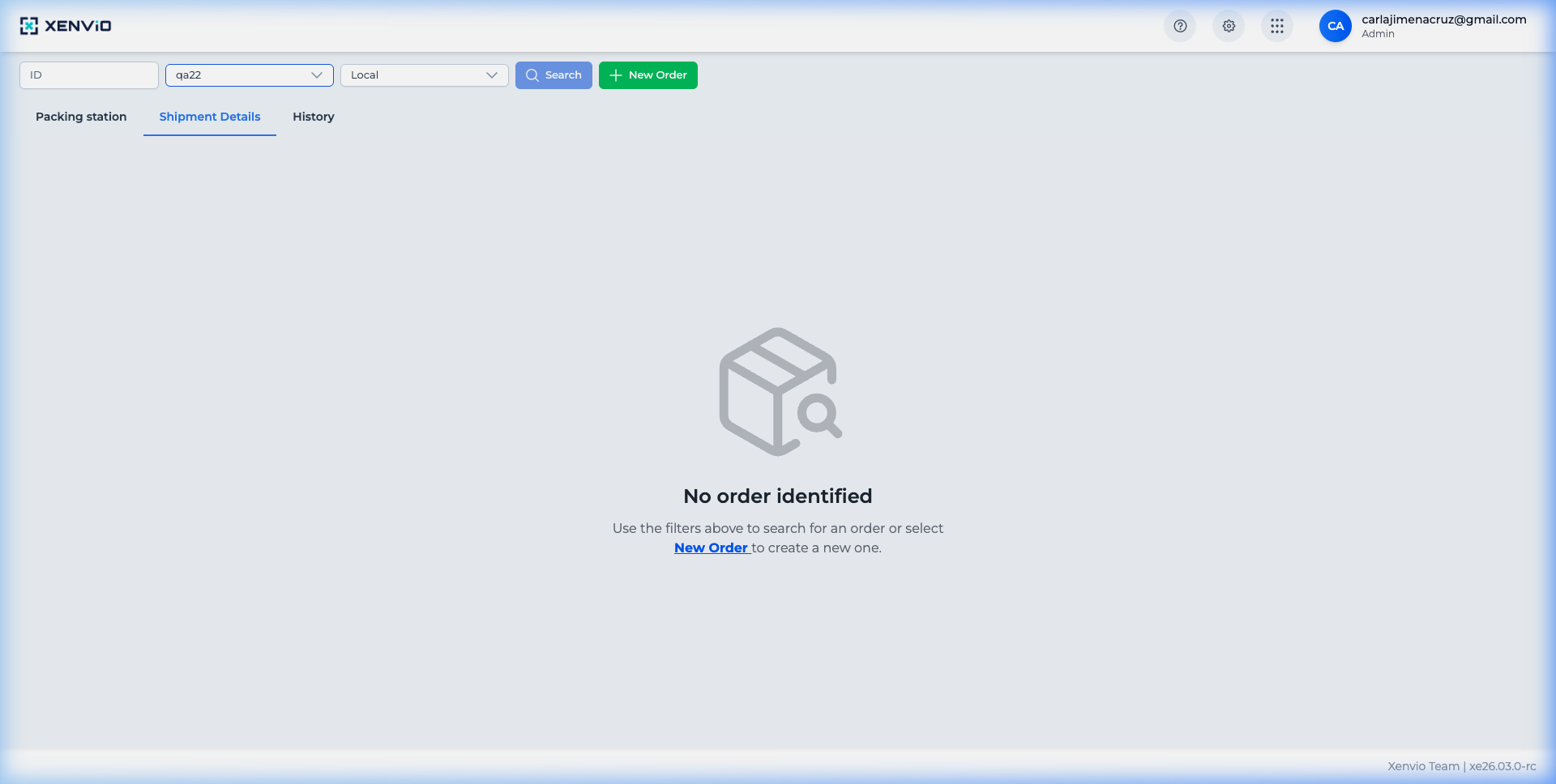
Click the gear icon (⚙) in the top bar to access settings.
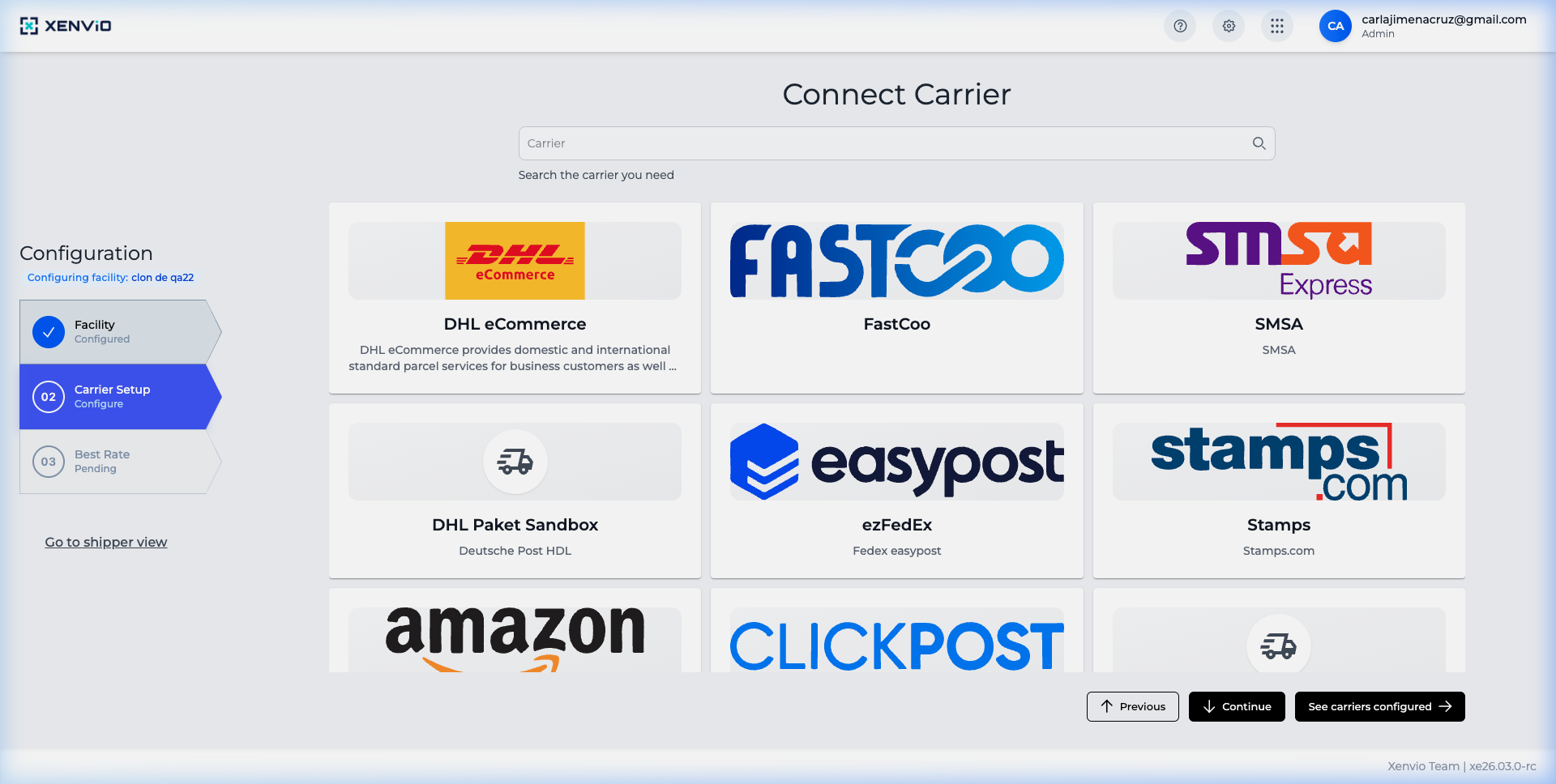
From here you can manage Facilities, Carriers, Packaging and more.
Demo completed!
1. Enter your Credentials
Section titled “1. Enter your Credentials”Navigate to the Xenvio login page and enter your email and password.
2. Access Shipper View
Section titled “2. Access Shipper View”After successful login, you’ll be redirected to the Shipper View, the main screen where you manage your shipments.
3. Access Settings
Section titled “3. Access Settings”Click the gear icon (⚙) in the top navigation bar to open system settings.
4. Configuration Panel
Section titled “4. Configuration Panel”From the configuration panel you can manage Facilities, Carriers, Packaging and other advanced options.