

Create Fulfillment Location
Set up a new location (Facility) in your account to manage your distribution and storage centers.
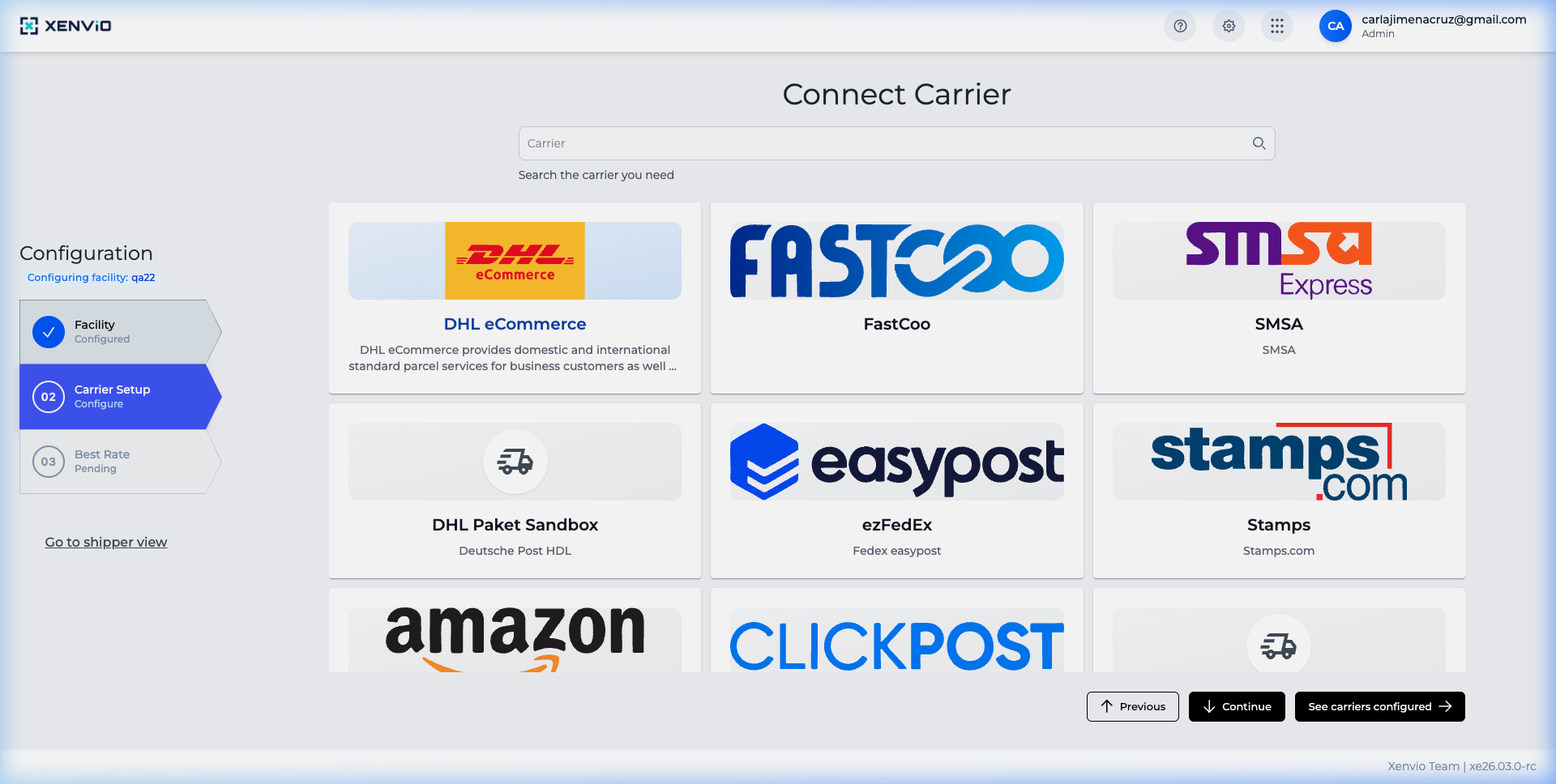
Navigate to Configuration → Facility to see the list of existing locations.
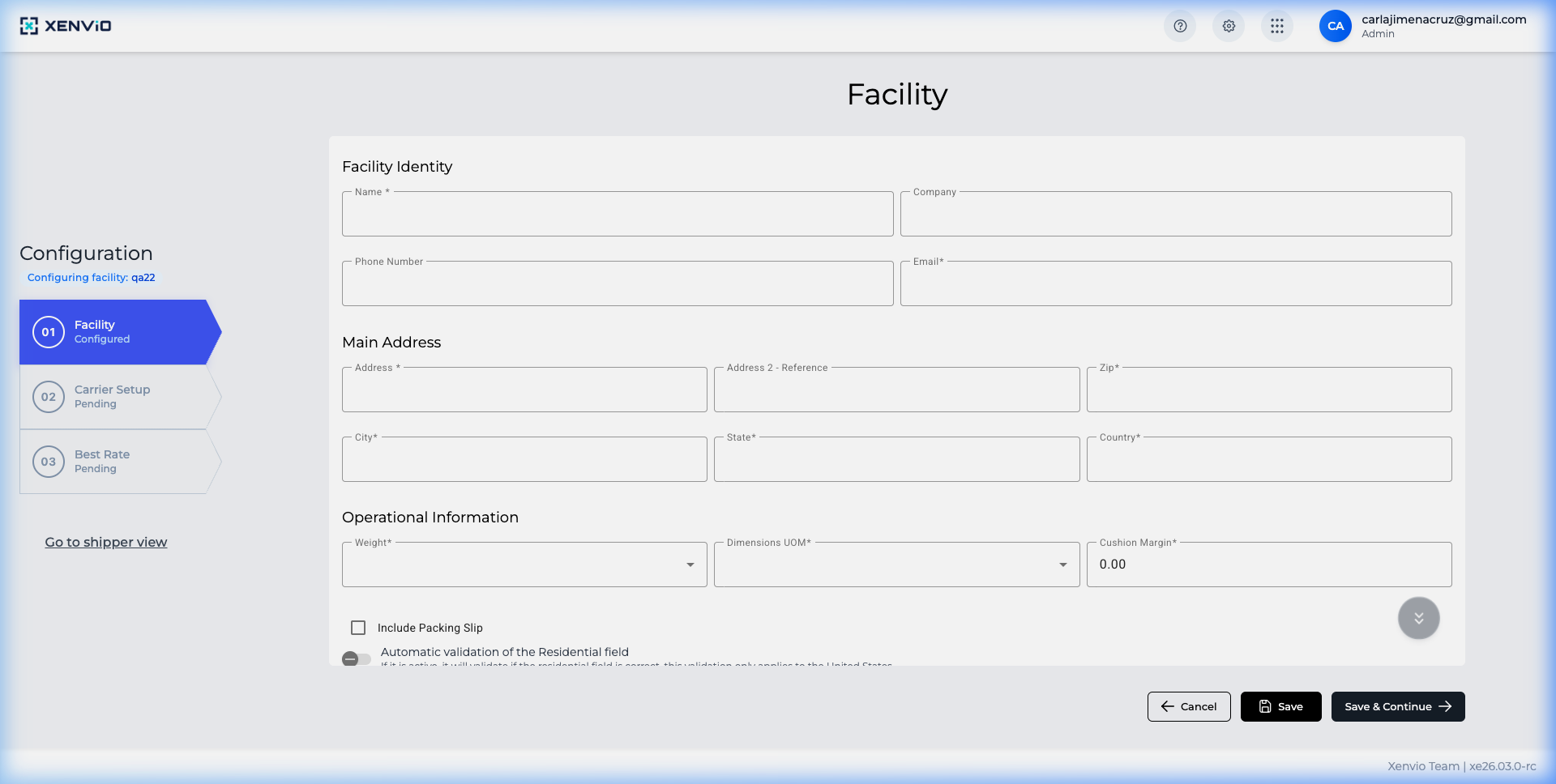
Click 'Add' to open the form. Fill in identity details: name, company, phone and email.
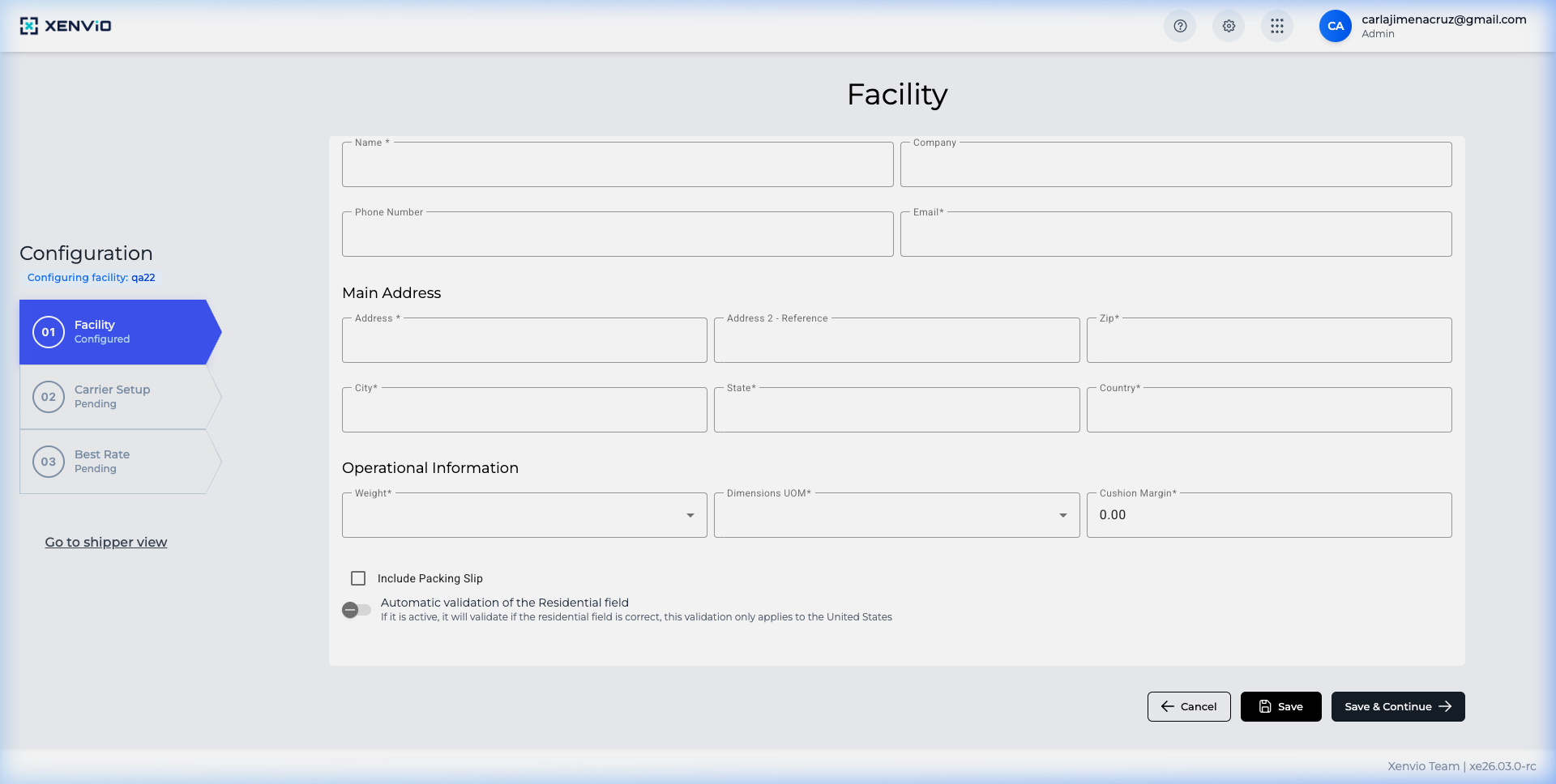
Complete the location address, measurement units and Packing Slip configuration.
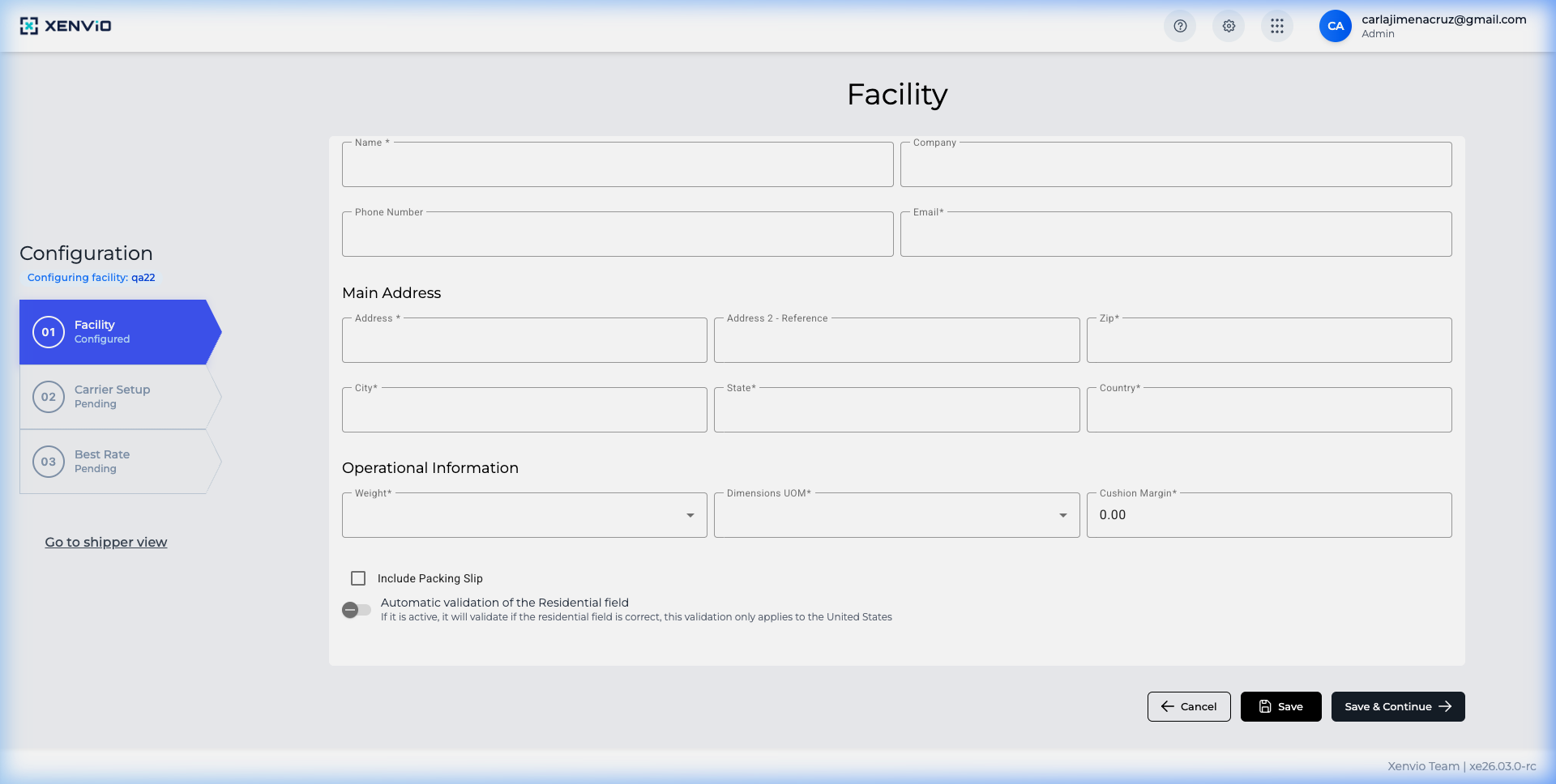
Click 'Save' to create the new location. It will be visible immediately in the list.
Demo completed!
1. Access the Facility section
Section titled “1. Access the Facility section”Navigate to Configuration → Facility to view the list of existing locations.
2. Open the creation form
Section titled “2. Open the creation form”Click the Add button to open the form. Fill in identity fields:
- Name: Location name
- Company: Company name
- Phone: Contact phone
- Email: Contact email
3. Complete the address
Section titled “3. Complete the address”Enter the complete location address, measurement units and Packing Slip options.
4. Save the location
Section titled “4. Save the location”Click Save to create the new location.
Each location must have a valid address to configure carriers and generate shipping labels.