

Apps & Integrations
Copied! Paste it into your favorite AI (Ctrl/Cmd+V)
The Apps module lets you integrate Xenvio with external platforms like Shopify, WooCommerce, or other order systems. An active App in Xenvio is the entry point for orders from that platform to flow automatically into your shipping workflow.
1
Apps List
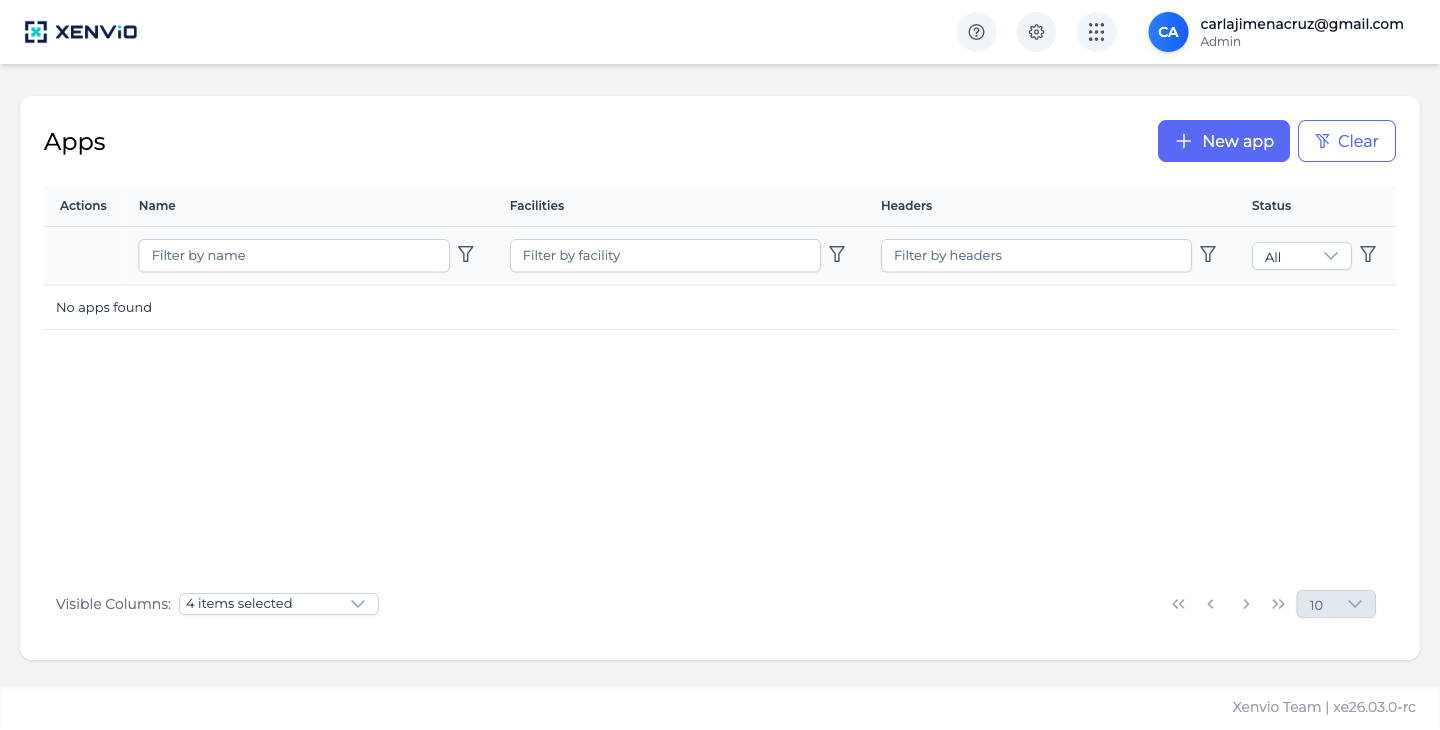
View all configured apps with columns: Name, Facilities, Headers and Status. Click '+ New app' to connect a new integration.
2
New App
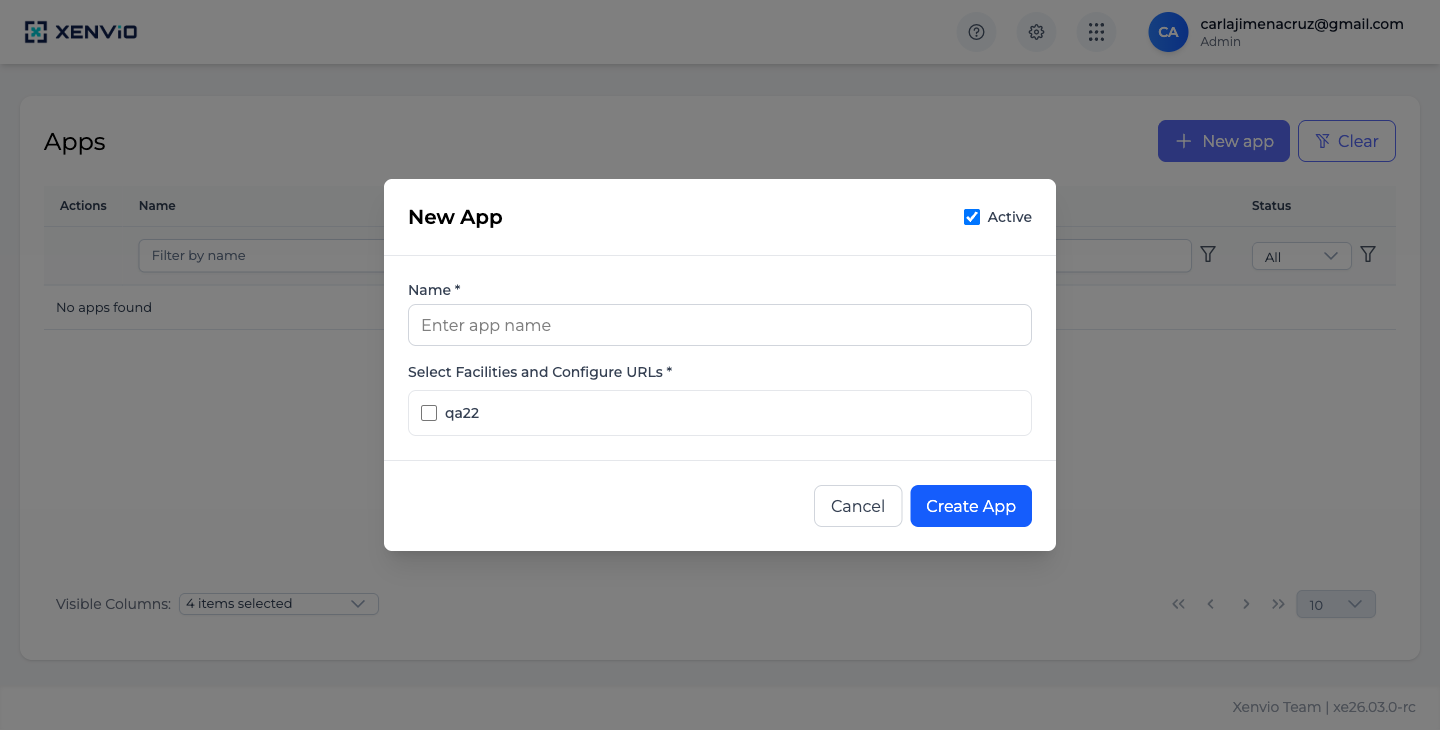
The modal requests the app name and linked Facilities. Check 'Active' to enable the integration immediately. Click 'Create App' to save.
Demo completed!
1 of 2
1. Access Apps
Section titled “1. Access Apps”Click ⚙ → Apps. The table shows all configured integrations with Name, linked Facilities, API Headers, and Status.
2. Create a New App
Section titled “2. Create a New App”Click + New app and fill in the modal:
- Name (required): Integration identifier name (e.g. “Shopify Store”)
- Select Facilities and Configure URLs: Select the facilities where orders from this app will be processed
- Active: Enable or disable the integration
Click Create App to save.
New Order Process orders coming in from your connected apps.