

Fulfillment Locations Management
Copied! Paste it into your favorite AI (Ctrl/Cmd+V)
The Fulfillment Locations (Facilities) module lets you manage and configure your account’s dispatch and storage centers.
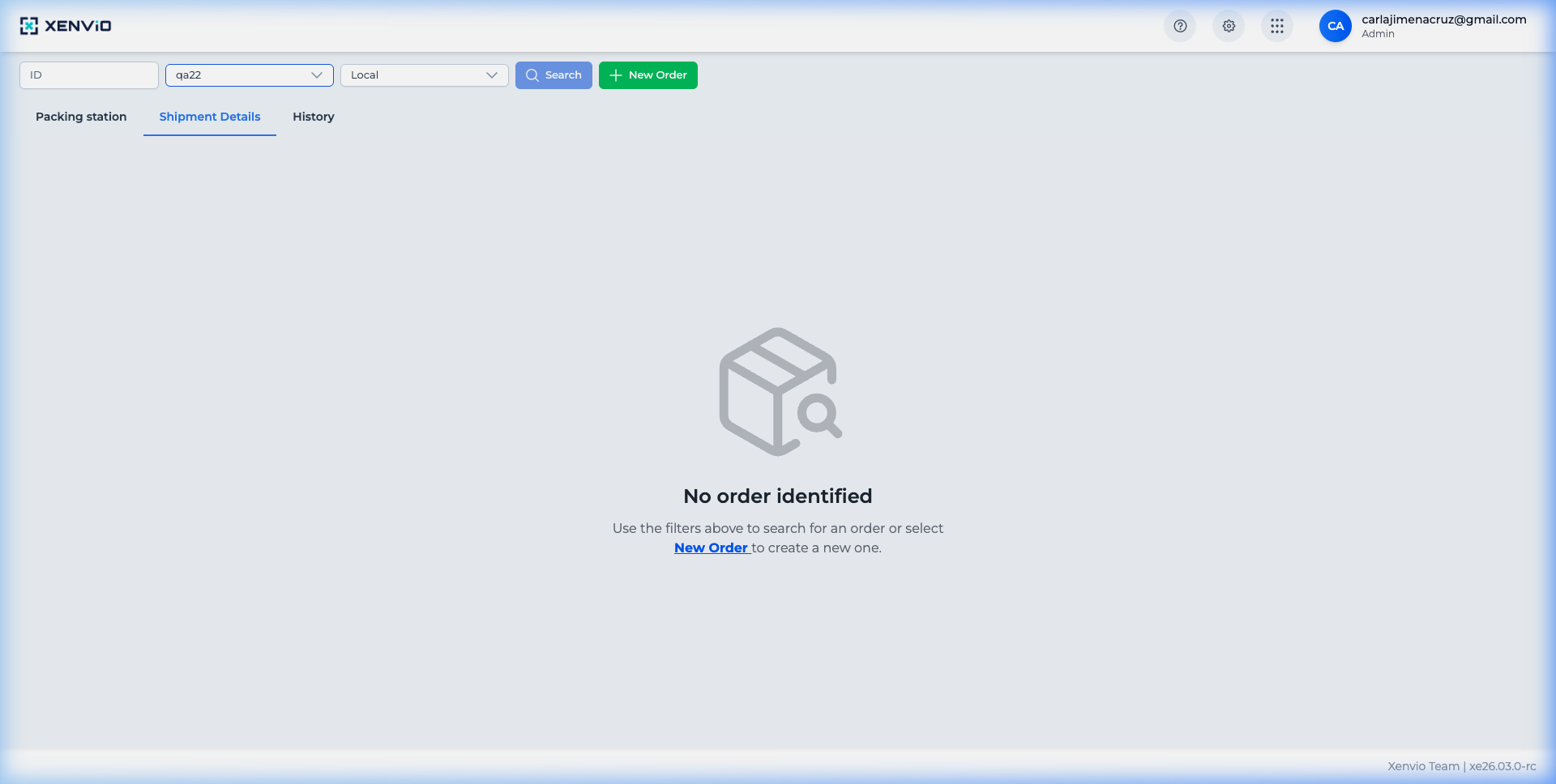
1
Access Settings
Click the gear icon (⚙) in the top navigation bar to open the settings menu.
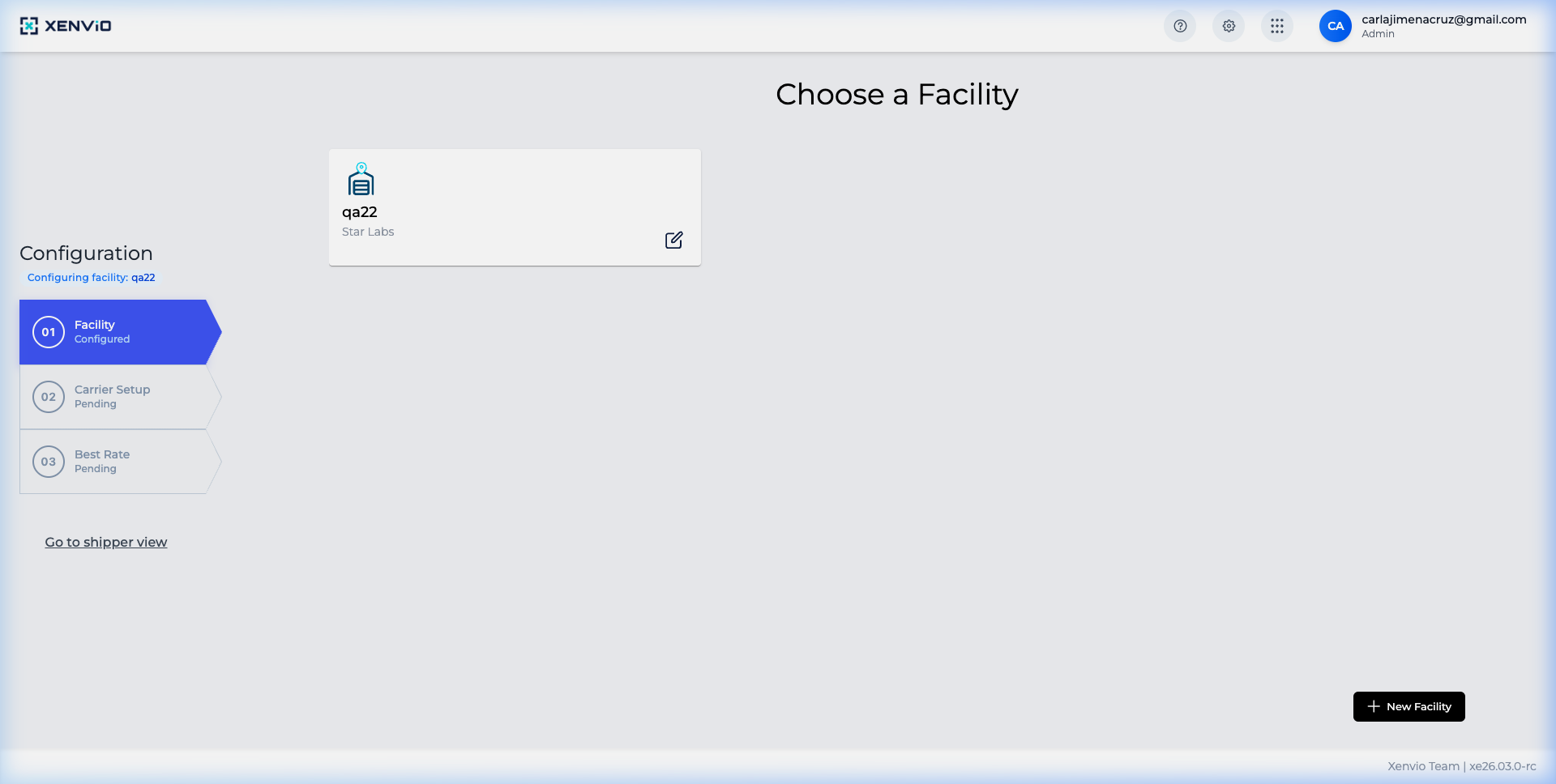
2
Fulfillment Locations
Select 'Facility' in the configuration panel to see all registered locations.
3
Location List
You'll see the complete list of your distribution centers with their status and name.
Demo completed!
1 of 3
1. Open Settings
Section titled “1. Open Settings”Click the ⚙ icon in the top navigation bar to access the configuration panel.
2. Select Facility
Section titled “2. Select Facility”In the configuration menu, select Facility to view all registered locations.
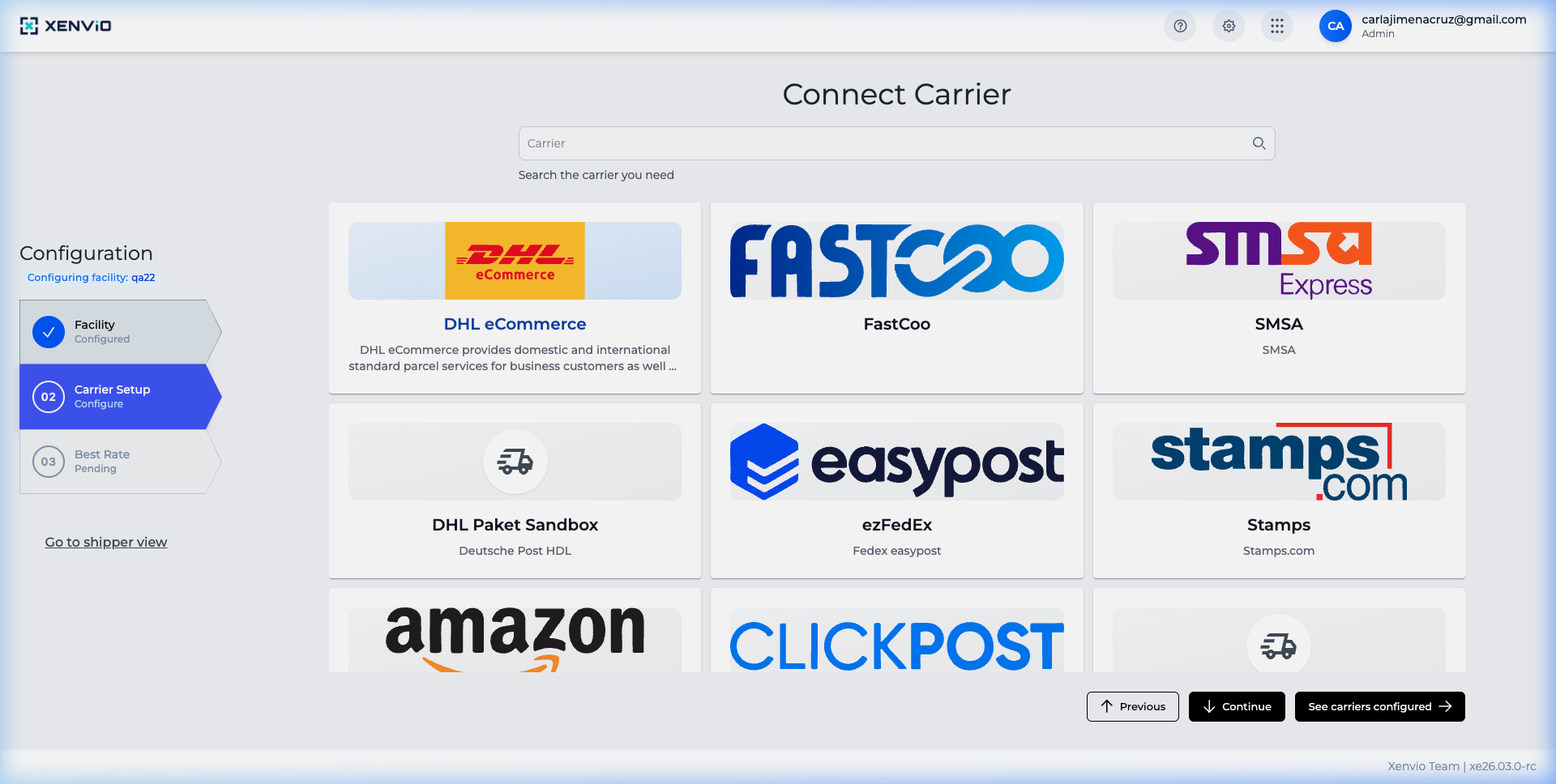
3. Browse the list
Section titled “3. Browse the list”You’ll see the complete list with each location’s name, code and status.
4. Search and filter
Section titled “4. Search and filter”Use the search field at the top to filter by name, code or status.
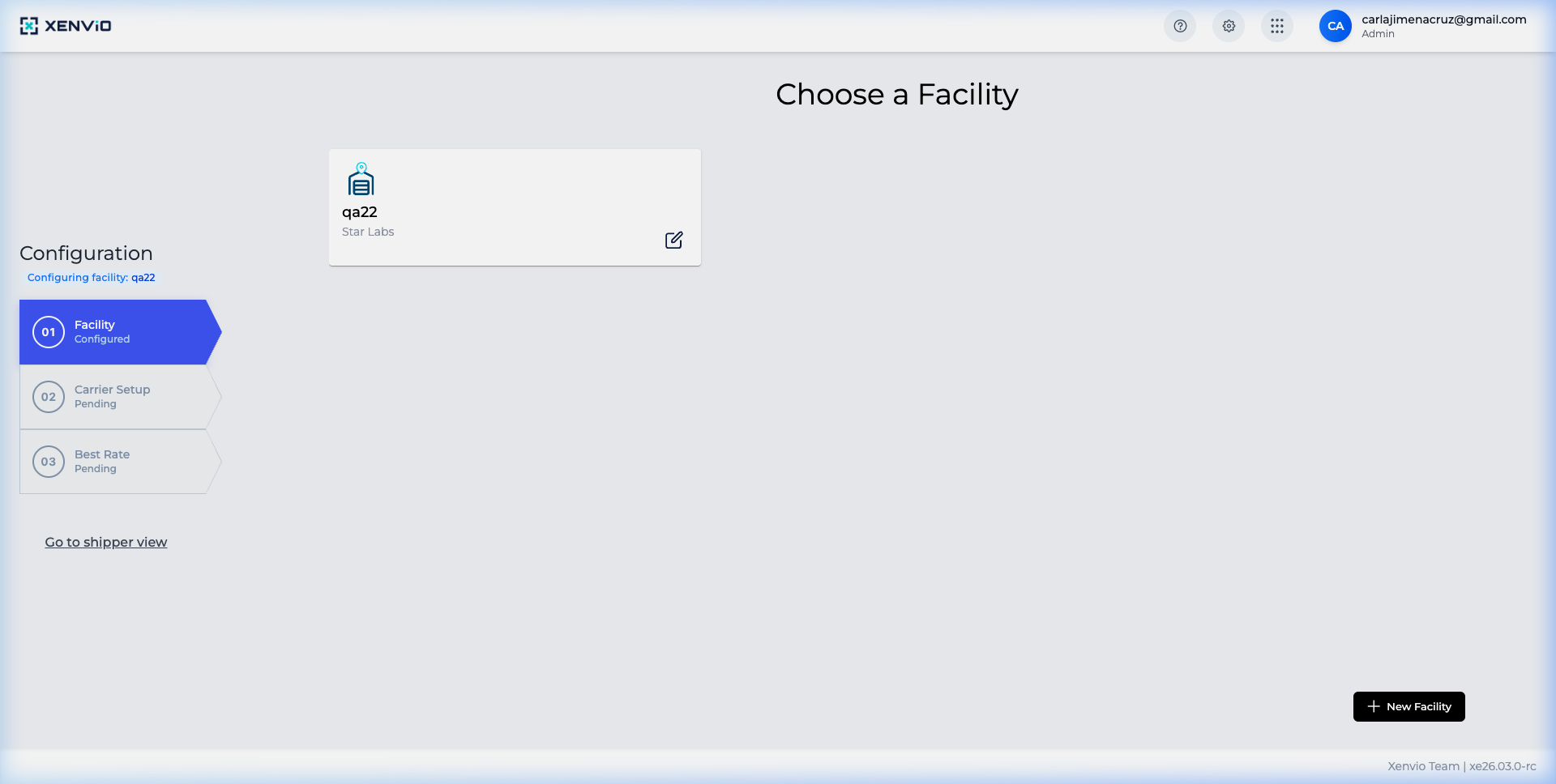
Create Fulfillment Location Learn how to create and configure a new location.
Custom Carriers Configure custom carriers per location.